Issue
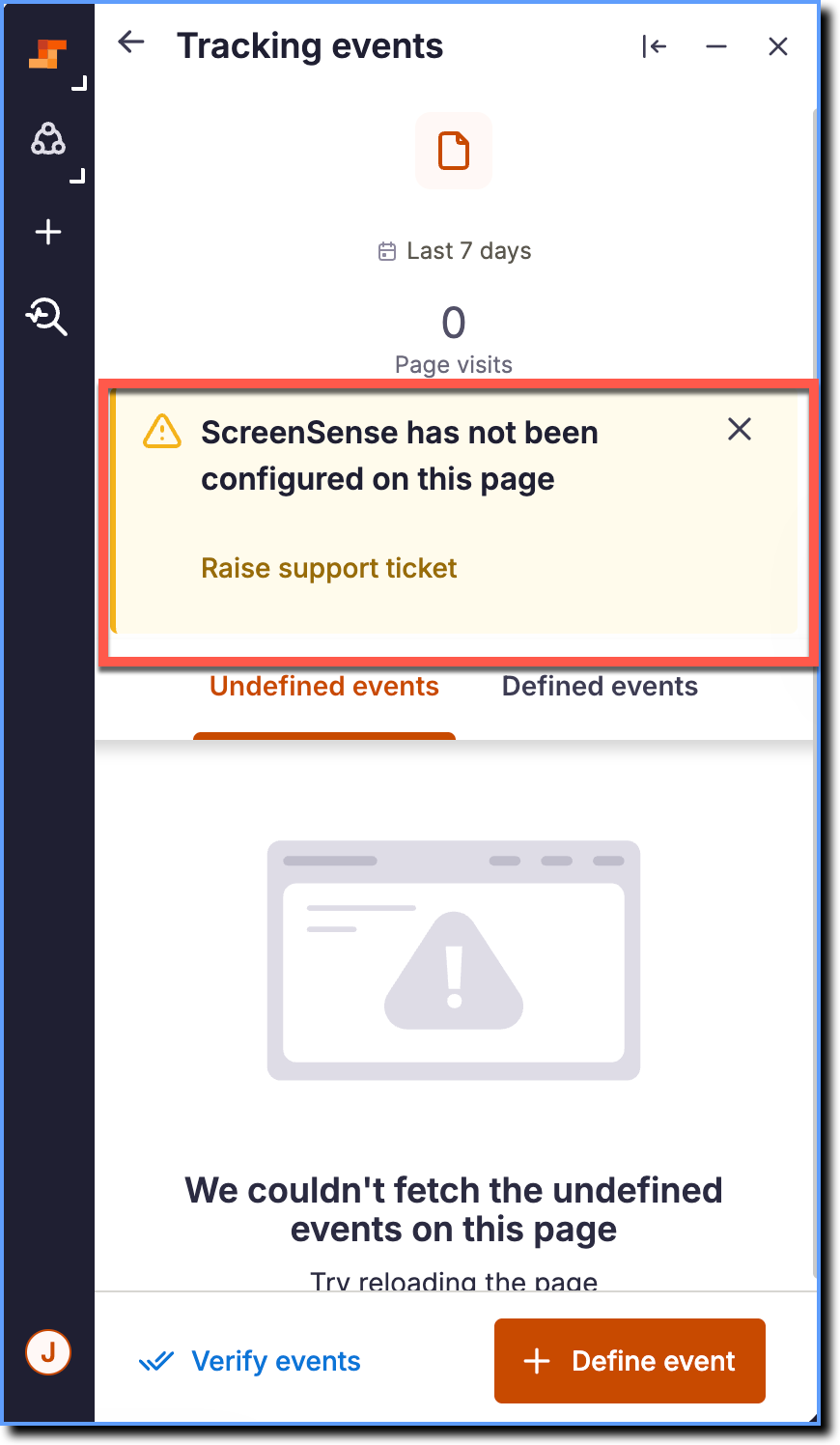
When you try to access Autocapture on the Whatfix Studio, the page shows the following message: ScreenSense has not been configured on this page.
Probable Cause
The ScreenSense has not been configured on this page error appears if ScreenSense is not set up for the application. Autocapture can only work on applications where ScreenSense and other related configurations are enabled. ScreenSense is required for Autocapture to identify and track UI elements on the application page.
Suggested Solution
ScreenSense and other related configurations need to be enabled for Autocapture to track data.
Use the following steps to enable ScreenSense and access Autocapture:
Contact support@whatfix.com to enable ScreenSense.
After enabling ScreenSense, relaunch Whatfix Studio and access Autocapture again. For more information, see Identify and track Autocaptured events.
Note:
If the issue persists, contact support@whatfix.com.